Using the dashboard
Settings
Organisation name, sending status, passkeys, per-mailbox filters, the vacation responder, and the danger zone.
Organisation name
The organisation name is editable in the Settings tab and saved with a Save button. It is what appears across the dashboard for anyone who belongs to the organisation.
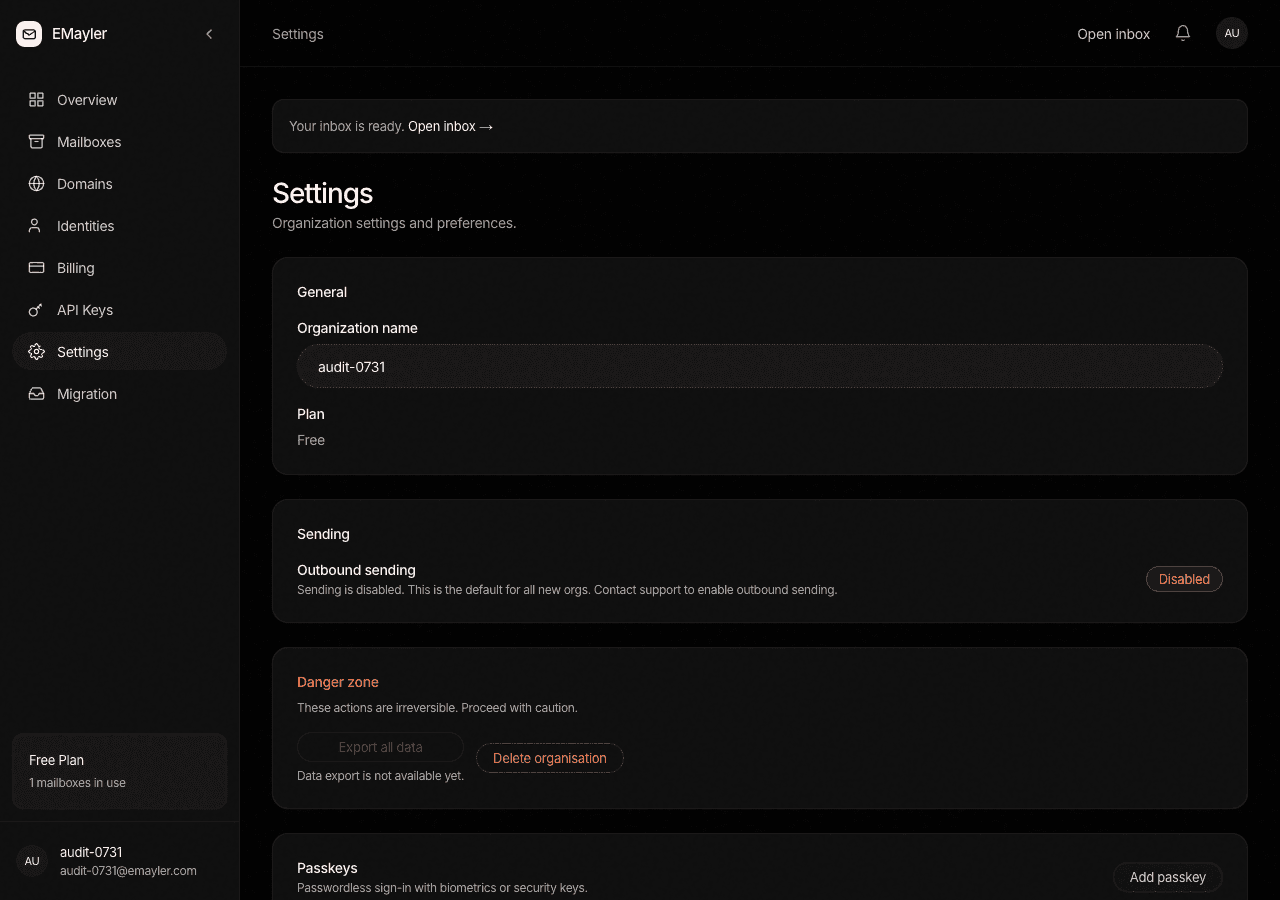
Sending status
The sending card shows whether sending is enabled for the organisation. When it is off, the card tells you to contact support to enable it. There is no self-serve toggle: sending is operator-granted after review, so a new organisation starts receiving mail right away but must ask to be able to send.
Passkeys
Register a passkey
Register a passkey to sign in without a password. Registration uses the platform WebAuthn flow: Touch ID, Windows Hello, or a hardware key. Each credential can be removed individually, so revoking one lost key does not disable the rest.
Filters
Per-mailbox filters
Filters are per-mailbox rules that match incoming mail on sender or subject and move matches to a folder, Archive by default. Each filter can be toggled on or off without being deleted, so you can pause a rule instead of recreating it.
Vacation responder
Per-mailbox auto-reply
Each mailbox can have an auto-reply with a subject, a plain-text body, and optional start and end dates. Turning it off just disables the same record, and an empty state simply means no responder has been configured.
Danger zone
Export and deletion
Data export and organisation deletion are handled with support, not self-serve buttons, because both are irreversible operations on mail people cannot afford to lose. Contact support to start either one.
Prefer to script this?
See the API reference: Billing & settings.