Using the dashboard
Billing & plans
Plans, upgrades, and invoices are in the Billing tab. Aliases are free and unlimited on every plan; mailboxes are the billing unit.
Plans
Your plan sets the domain, mailbox, storage, and send allowances for the organisation. Aliases cost nothing and are unlimited on every plan.
| Plan | Price | Domains | Mailboxes | Storage |
|---|---|---|---|---|
| Free | $0 | 1 | 1 | 1 GB |
| Basic | $4/mo or $48/yr | 1 | 2 | 10 GB |
| Starter | $6/mo or $72/yr | 1 | 3 | 15 GB |
| Pro | $10/mo or $120/yr | 3 | 5 | 50 GB |
| Studio | $30/mo or $360/yr | Unlimited | 15 | 225 GB |
| Custom | Contact us | Unlimited | Unlimited | Volume |
The Free plan keeps 30 days of mail retention and has no API, MCP, or IMAP access; paid plans have unlimited retention. IMAP/SMTP access is deferred and not yet available on any tier.
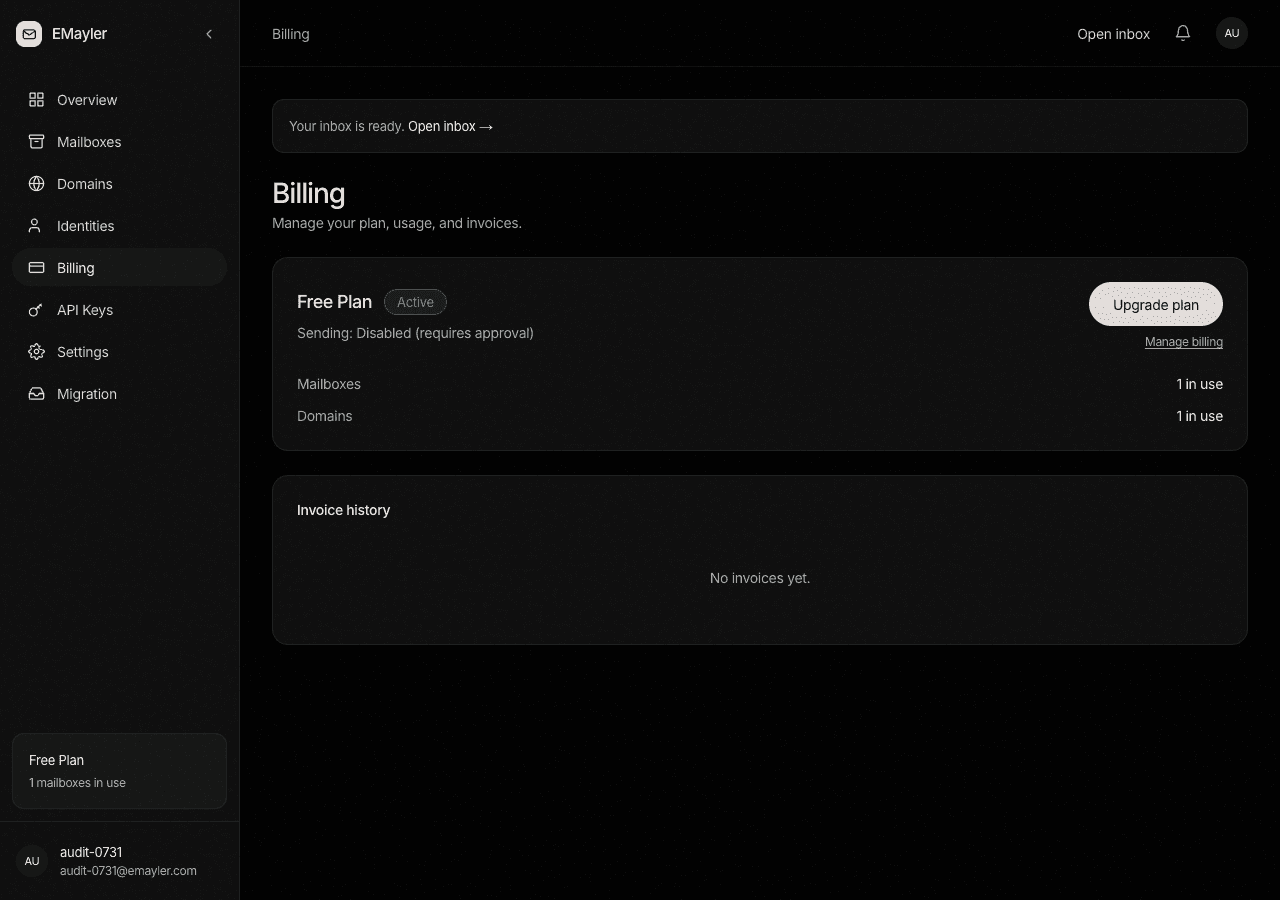
Upgrade
Open the Billing tab
In the dashboard, open the Billing tab and click Upgrade.
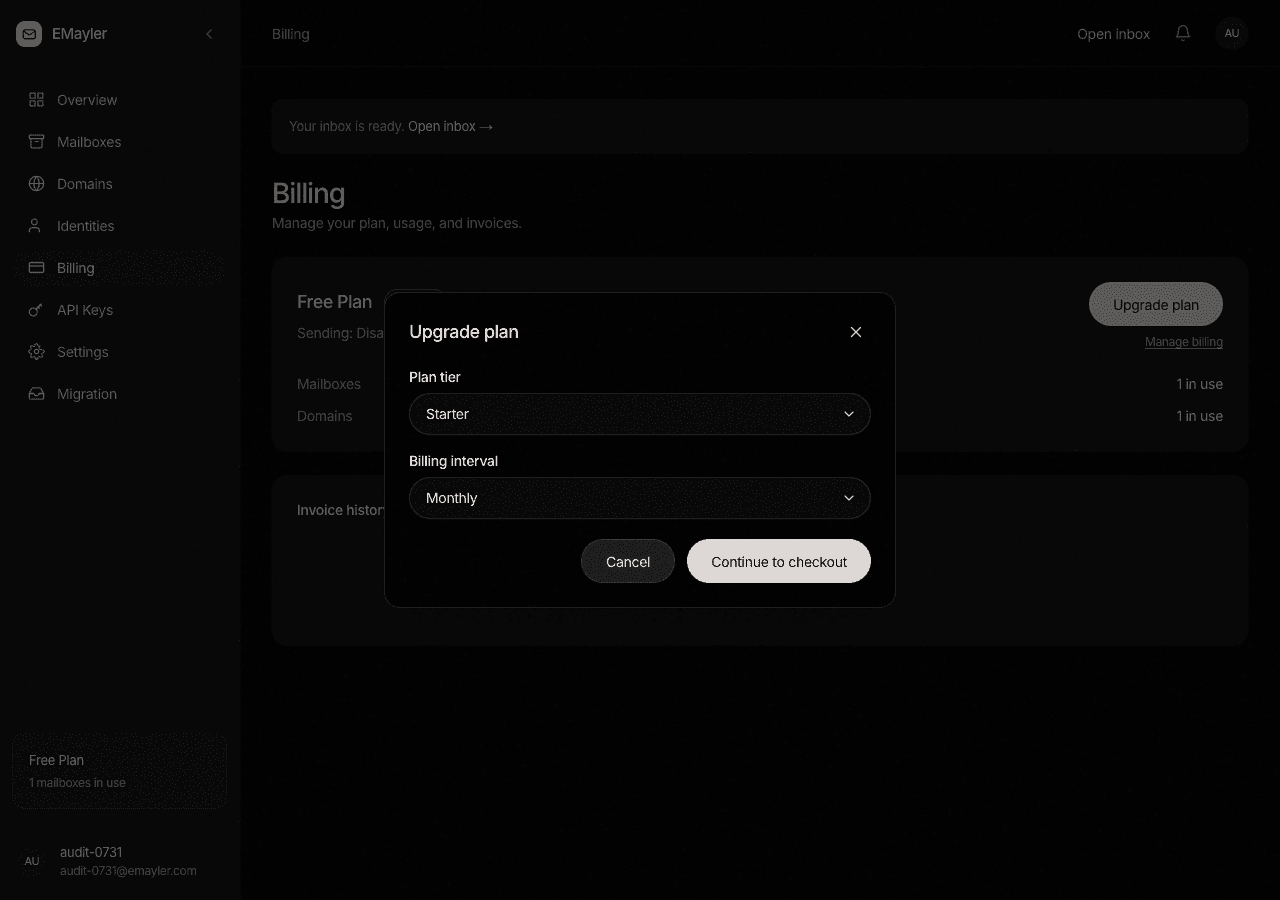
The upgrade dialog Pick a tier and interval
Choose the tier and monthly or annual billing. Upgrading is immediate.
Check out in Stripe
You are redirected to Stripe checkout, then back to the dashboard after payment.
Manage billing
Manage billing opens the Stripe portal once a Stripe customer exists. From there you manage cards and download invoices.
Invoice history
The invoice table lists every invoice with a link to its hosted PDF.
Mailbox add-ons
Beyond your plan, each add-on costs +$3/mo, or +$2.50/mo on annual billing, and adds one mailbox, 15 GB of storage, and 1,500 sends per month.
Sending is separate from billing
Paying never flips the send gate. Sending is enabled by an operator after review, not by a payment. See the sending card in Settings.
Prefer to script this?
See the API reference for Billing & settings.