Using the dashboard
Mailboxes & identities
Mailboxes are where mail lives; identities are the send-as addresses attached to your user. Both are created from the dashboard.
Create a mailbox
Open the Mailboxes tab
In the dashboard, open the Mailboxes tab and click Add.
Pick a verified domain
Choose a verified domain, then type a local part, for example
sarah. The input validates the local part as you type.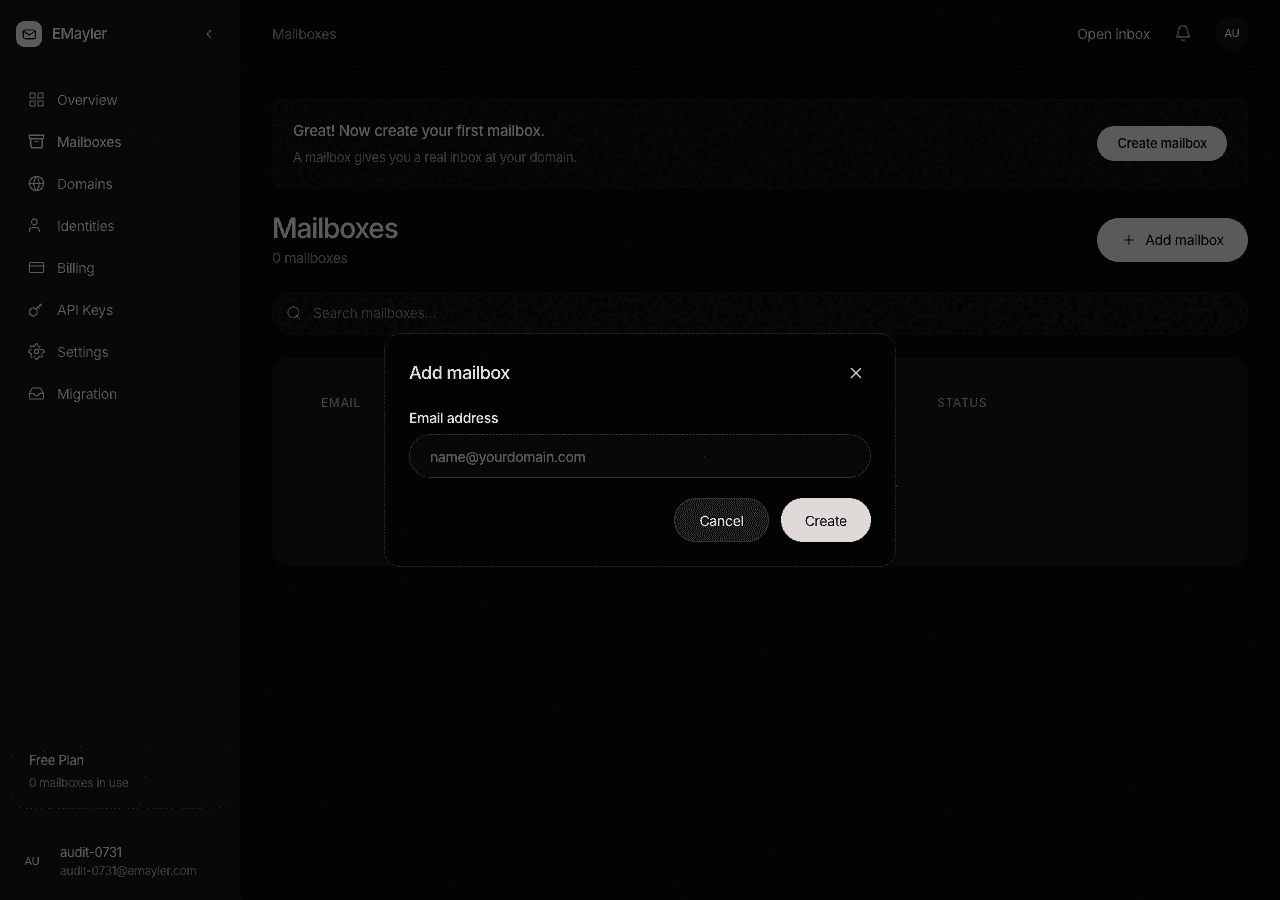
The create mailbox dialog Set a display name and quota
Optionally add a display name and a quota in GB. A double-click or a retried request never creates the mailbox twice.
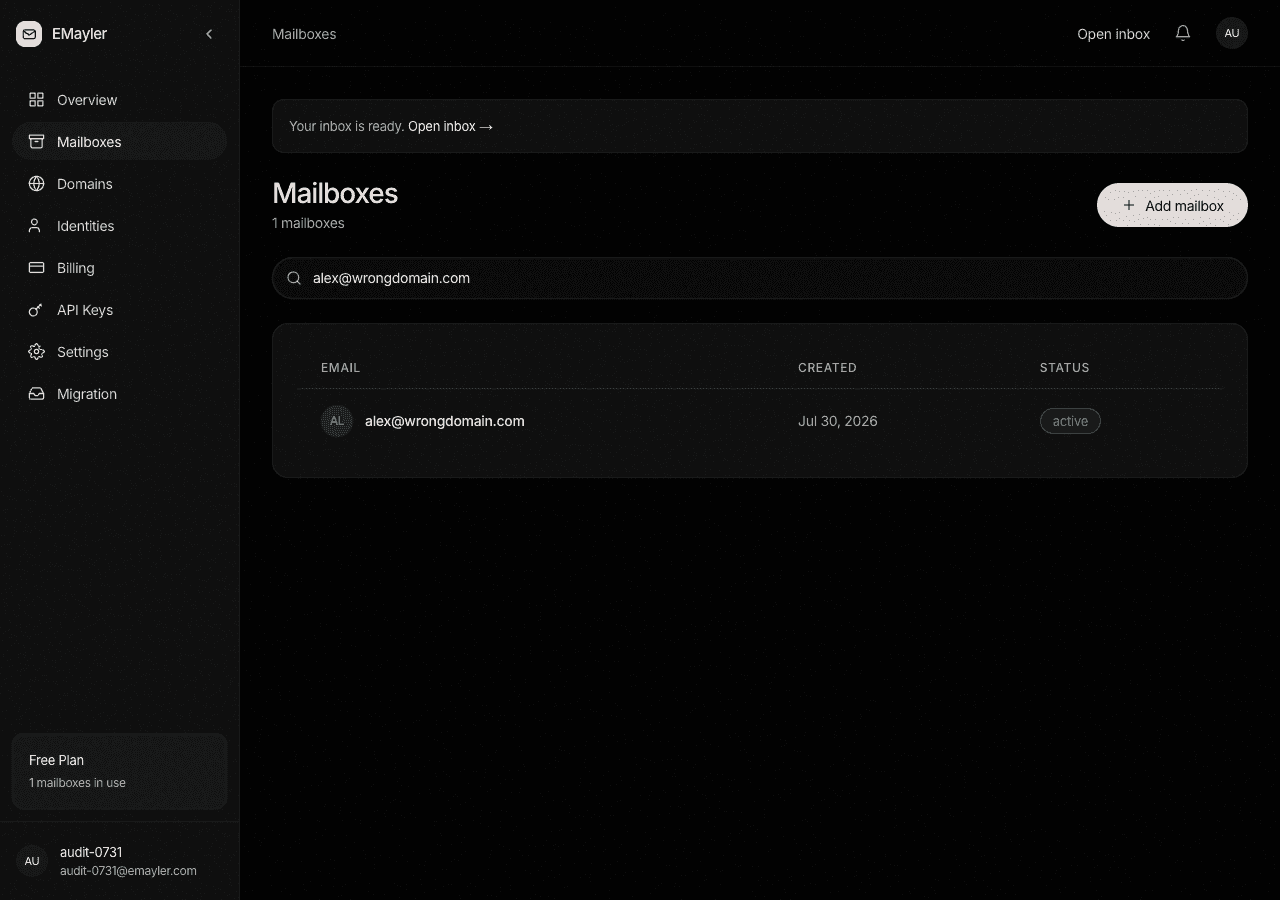
Mailbox list
The list filters as you type, and each row shows the mailbox plus its storage usage against quota. Deleting a mailbox asks for confirmation first.
Identities
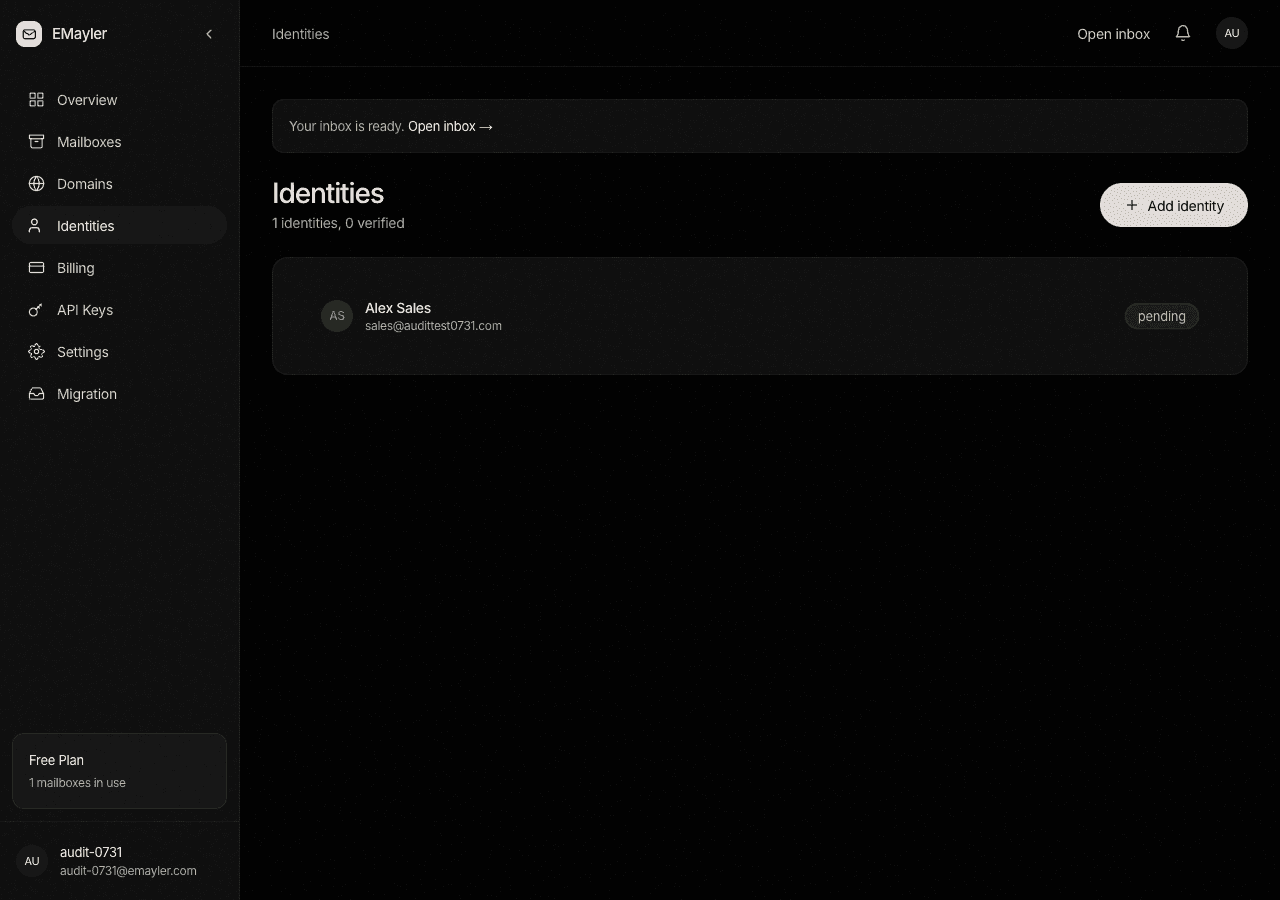
An identity is a send-as address attached to your user: an address plus an optional display name. The Identities tab shows each one with a verified or pending badge, and the compose window defaults to your first verified identity.
Why identities exist
Identities make send-as a stored entry instead of a per-device SMTP setup. The concepts page explains the full model.
Prefer to script this?
See the API reference for Mailboxes & identities.