Gmail is ending Send mail as
If you reply from your own domain through Gmail, that stops in January 2027. Move your domain to a real inbox.
What is changing?
- Gmail is removing Send mail as for addresses it does not host. Google lists January 2027 for the full removal.
- Gmailify and POP fetching (Check mail from other accounts) end on the same schedule.
- Until then the old settings keep working, but Gmail may block new setups.
- Gmail aliases and Google Workspace addresses are not affected.
Changing the SMTP server in the Send mail as settings does not help. The setting itself is going away. Source: Gmail Help.
Who does this affect?
Anyone who forwards their domain into Gmail and replies from it. That includes Cloudflare Email Routing, Namecheap and Squarespace forwarding. Mail still arrives in Gmail. Replying as your domain stops.
How to move before January
Prefer a short walkthrough? Move from Gmail in four steps.
List what Gmail sends as
In Gmail, open Settings → See all settings → Accounts and Import. Note every address under Send mail as. Each one becomes a mailbox or an alias in Emayler.
Create the mailbox
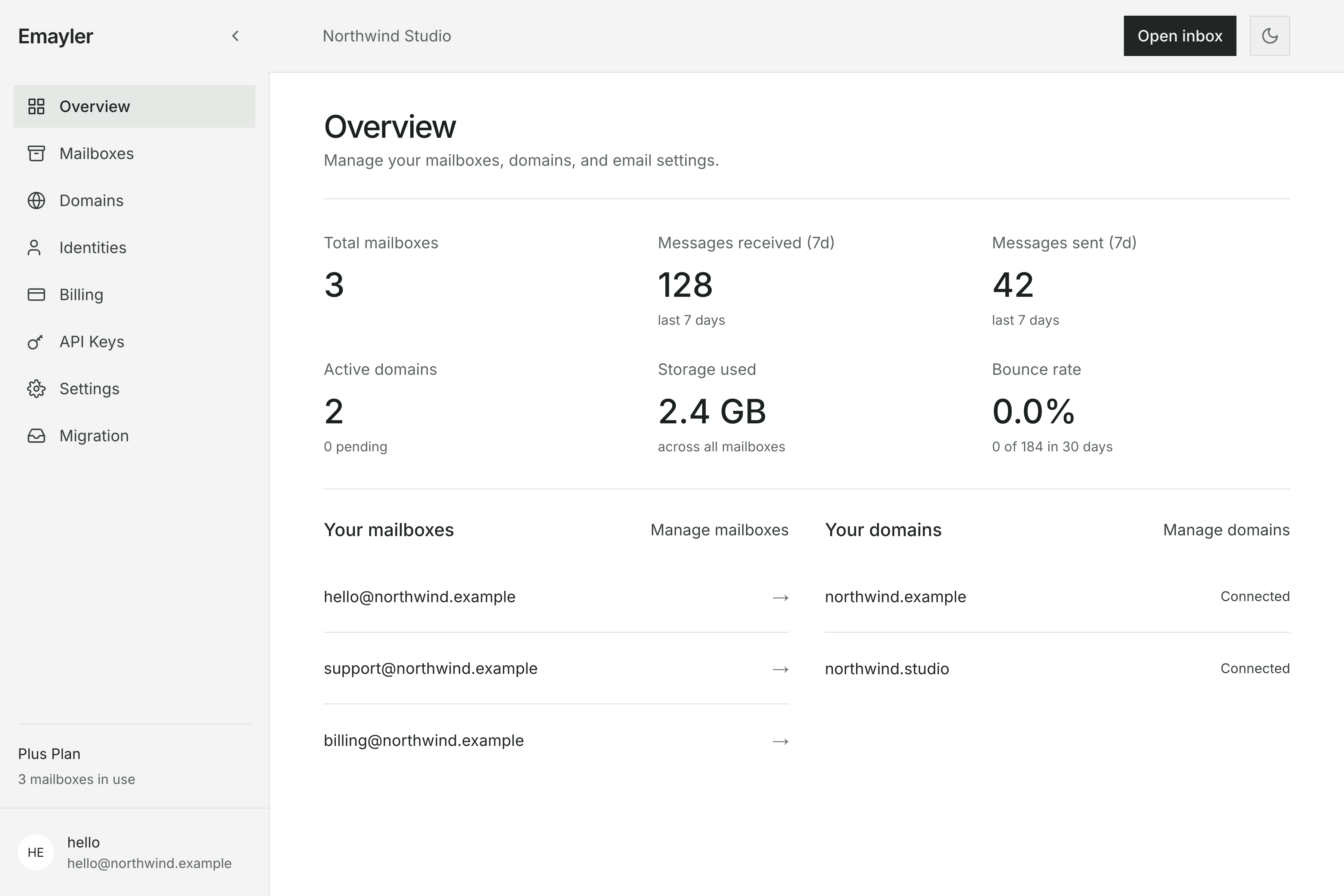
Create an Emayler account and add your domain. Create a mailbox for your main address, then add the other Send mail as addresses as aliases so you can reply from each of them.
Replace the forwarding records
Wherever your domain's DNS lives, delete the MX records of your forwarding service (Cloudflare Email Routing, ImprovMX or your registrar's forwarding) and add the records Emayler shows. See the DNS setup guide.
Keep Gmail until the domain verifies
Leave Send mail as in place until Emayler shows the domain as verified, so replies keep working while DNS updates. Then remove the Send mail as entries.
Request sending access
With the domain verified, request sending access under Settings → Sending. Mail keeps arriving while the request is reviewed. See sending settings.
Decide where old mail lives
Your past mail is already in Gmail and can stay there. To keep everything in one inbox, import it over IMAP. See the migration guide.
One mailbox is free. Solo adds 10 GB and unlimited aliases for $12 a year, enough for every address you sent from in Gmail. See all plans.
Emayler is a web inbox that works on desktop and phone. Desktop and phone mail apps are not supported yet.
Questions
When does Gmail Send mail as stop working?
Google lists January 2027 for the full removal of Send mail as for third-party addresses. New setups may already be blocked.
Does this affect Google Workspace?
No. Addresses hosted by Google Workspace and your Gmail aliases keep working.
Can I still read my domain's mail in Gmail?
Forwarding keeps working. You just cannot reply as your domain from Gmail after the change.
Sources: Gmail Help: changes to third-party email account support. Prices are USD list prices and can vary by region and billing term.
Make it yours
Get started today.
Your domain, your mailboxes, one place to manage it all.
Start freeCustom-domain email · Unlimited aliases on paid plans