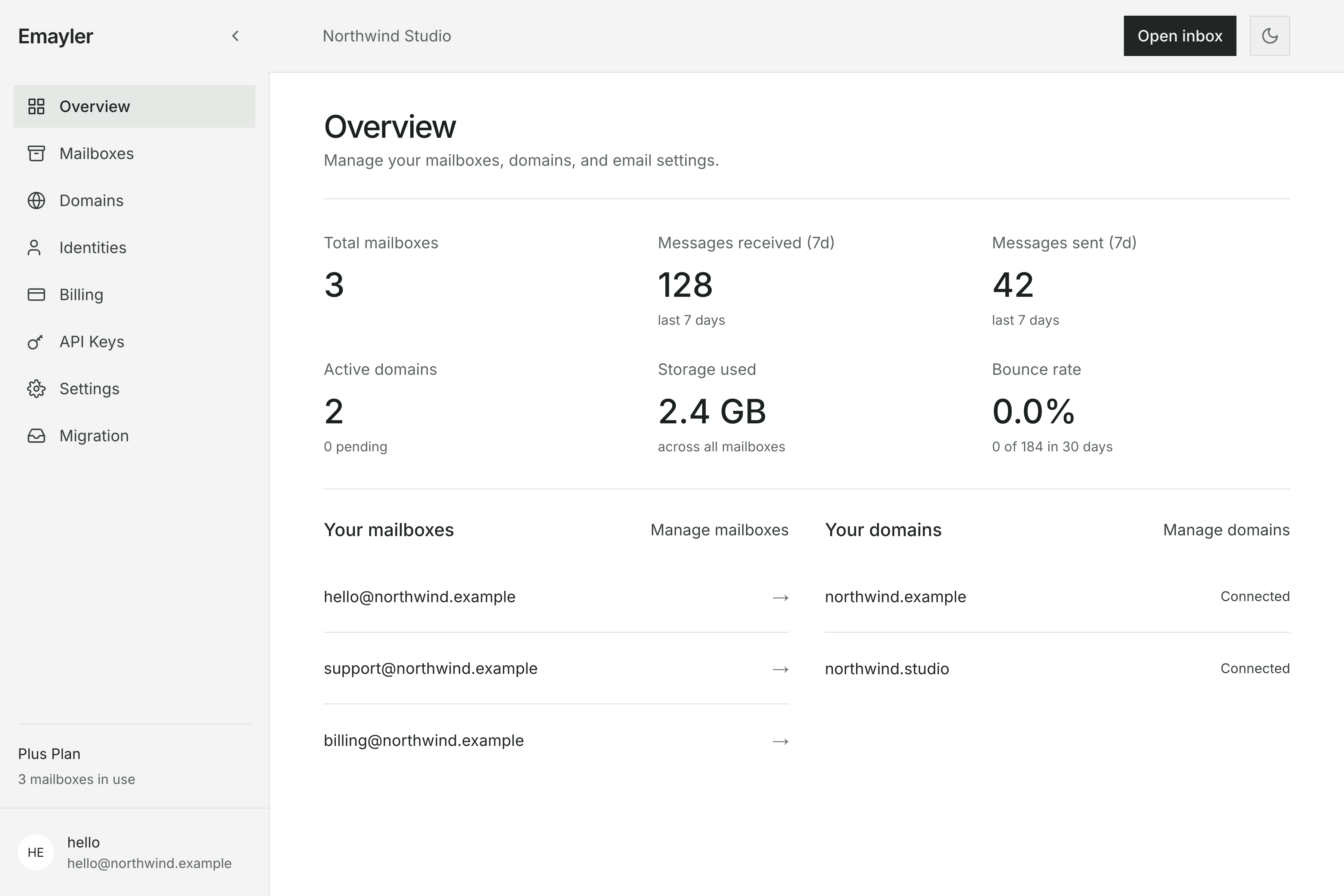
Keep your address. Move your inbox.
For people who forward a domain address into free Gmail and reply with Send mail as. Keep your domain and your address. Use Emayler for new mail.
Four steps to move
These are estimates of your time at the keyboard. DNS updates, importing a large mailbox and sending approval can take longer.
Create your account · about 2 minutes
Sign up with an address you can already access. Choose a plan with room for your mail. Free is a continuing plan, not a short trial.
Prepare your domain · about 10 minutes
Add your domain in Emayler. Keep it registered where it is. Open its DNS settings and copy the records Emayler shows. Save the current records before editing. Prepare the change, but leave the old MX records in place until your destination addresses are ready. DNS setup help.
Create your address and start any import · about 5 minutes
Create the same domain address in Emayler and recreate the aliases you use. Old mail can stay in Gmail. To copy it, use Migration with imap.gmail.com and a Google app password, if your account offers one. Google requires 2-Step Verification for app passwords, and some accounts do not offer them. The import runs in the background. If you cannot connect, keep your Gmail history available and ask for help before switching. Import guide.
Switch incoming mail and test · about 2 minutes
Once the destination addresses are ready, replace the forwarding service's MX records with Emayler's records and complete the DNS checks. Request sending approval. Test incoming mail and, after approval, a reply from your domain. Keep Gmail and the old setup details until everything works; remove the old Send mail as entries afterward.
Why make the move?
Google lists January 2027 for removal of third-party Send mail as, Gmailify and POP fetching. Read the detailed explanation. Your personal @gmail.com account stays with Google; this guide moves the email for a domain you own.
Questions
Do I need to be technical?
You need access to your domain's DNS settings. Emayler shows the records to copy, and the DNS guides explain where to enter them. Save the original records and contact support if you are unsure.
Can I keep the Gmail app on my phone?
Keep the app for your Gmail account. Emayler's public IMAP and SMTP access is not available yet, so use the Emayler web inbox for your domain mail, including on your phone.
Is Free a trial?
No. Free is a continuing plan within its mailbox, address and storage limits. Paid trials and paid plans are separate. Compare the plans.
How do I undo the switch?
Keep your old provider active and save its DNS records. Restore its MX records to route future incoming mail back there. Messages already delivered to Emayler do not move automatically. Public IMAP export is not available yet.
Will all my old Gmail messages move?
Only messages copied by a successful import appear in Emayler. Importing does not delete them from Gmail, and signing up does not automatically copy anything. Check the import result before relying on it.
Sources: Google: third-party email changes, Google: app password requirements. Prices are USD list prices and can vary by region and billing term.
Make it yours
Get started today.
Your domain, your mailboxes, one place to manage it all.
Start freeCustom-domain email · Unlimited aliases on paid plans