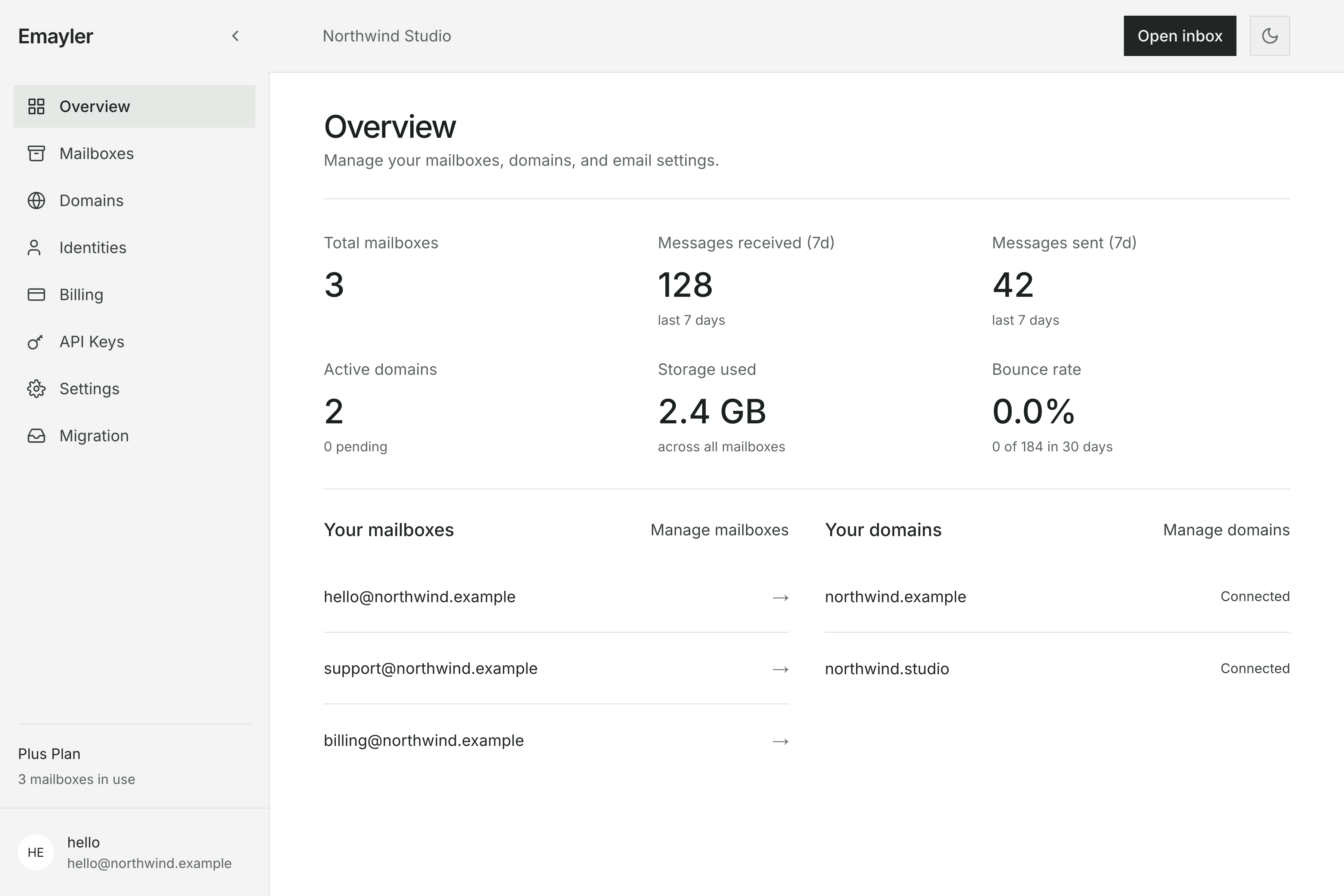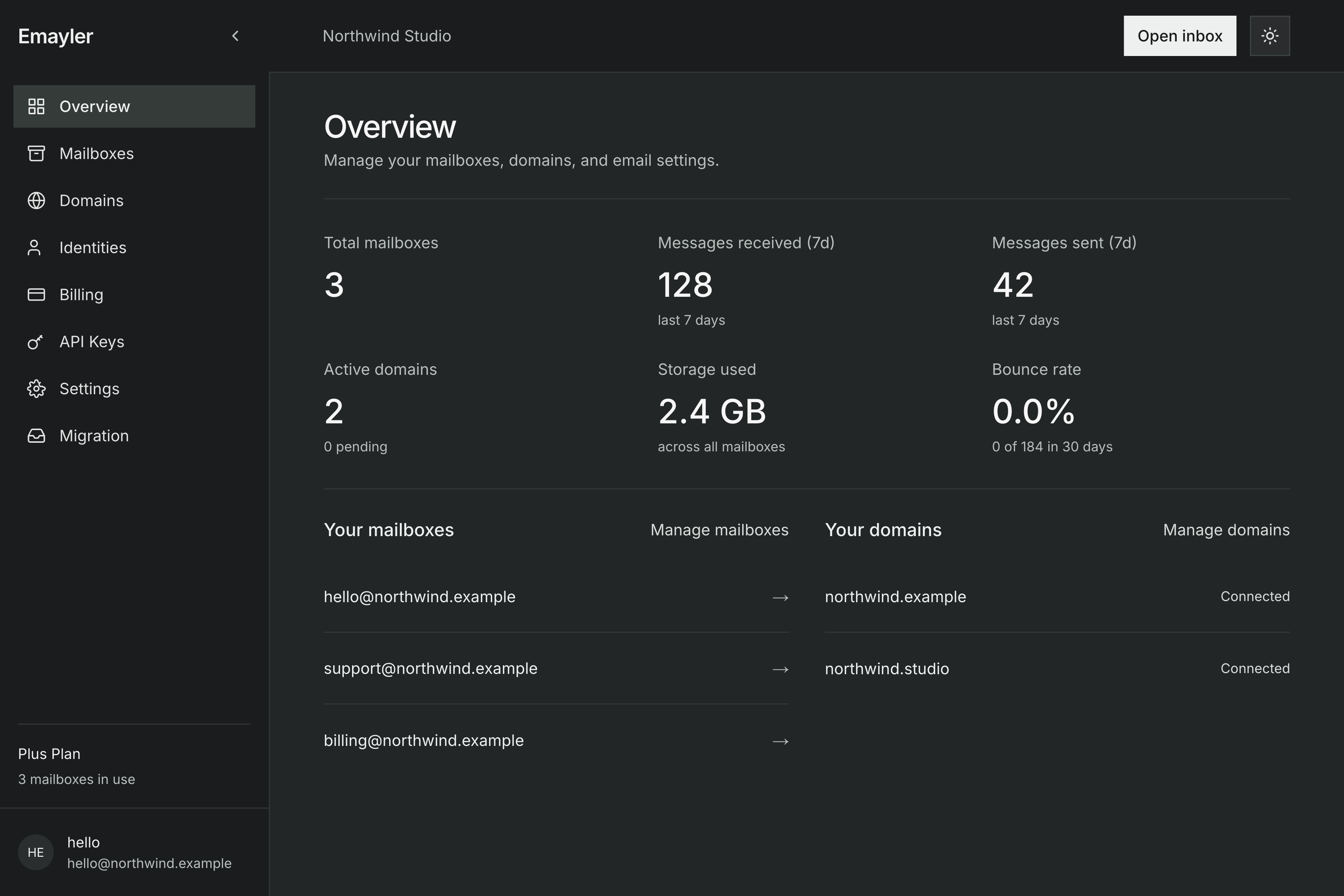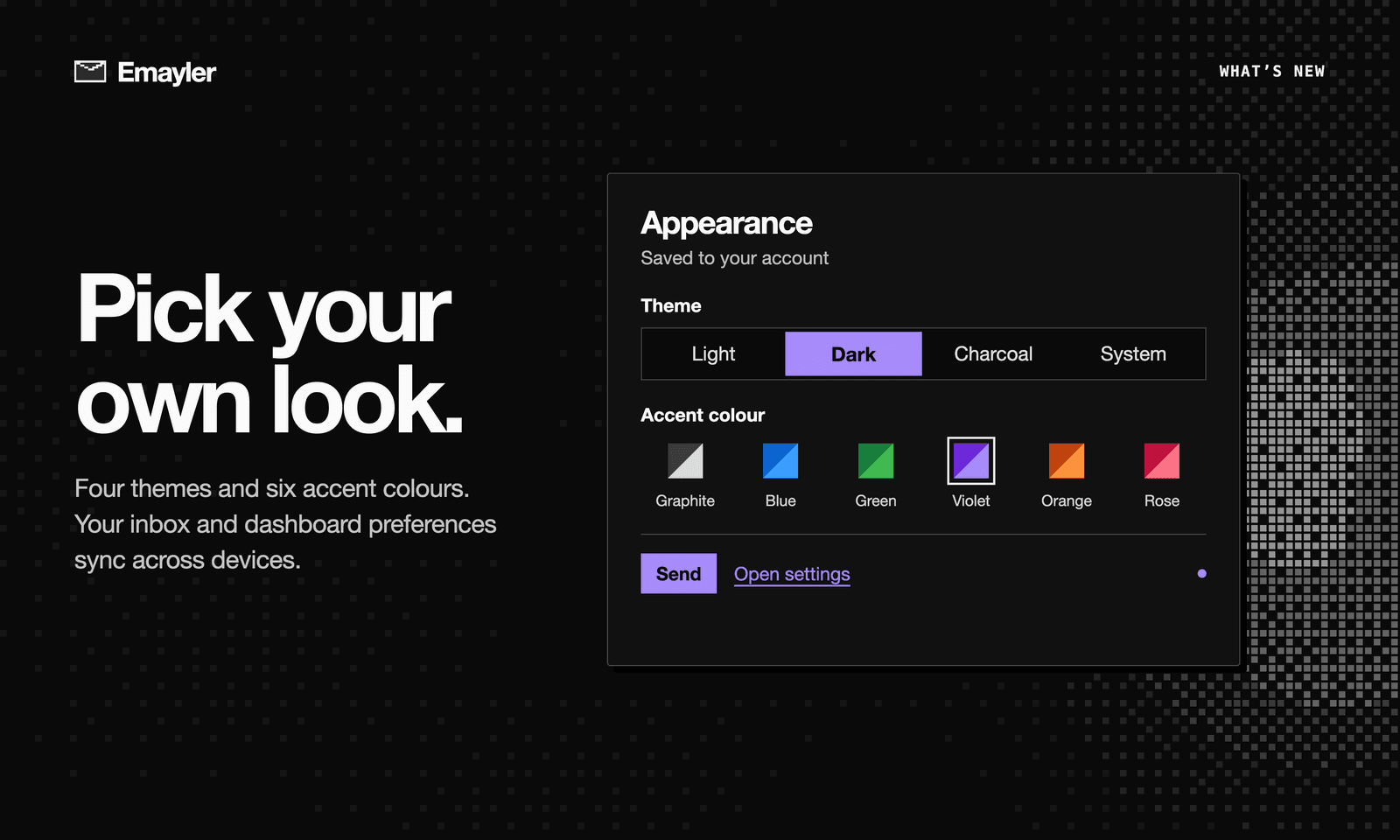
There are four themes: Light, Dark, Charcoal and System. Charcoal is a softer dark grey, and System follows your device, switching between Light and Dark.
Then pick an accent colour: Graphite, Blue, Green, Violet, Orange or Rose. Your accent shows up on buttons, links and the unread dot. Graphite is the original look, so nothing changes unless you want it to.
It follows you
Your theme and accent are saved to your account, not to one browser. Set it once on your laptop, and your phone picks it up the next time you open your inbox.
Readable either way
Every accent colour has its own shade for light and dark themes, and each one passes the WCAG AA contrast standard for text. Pick whatever you like without worrying that something will be hard to read.
Where to find it
In the inbox, open your account menu and choose Settings. In the dashboard, go to Settings, then Appearance. If your account is from before this update, we'll ask you once the next time you sign in.